Business Model Canvas template for PowerPoint
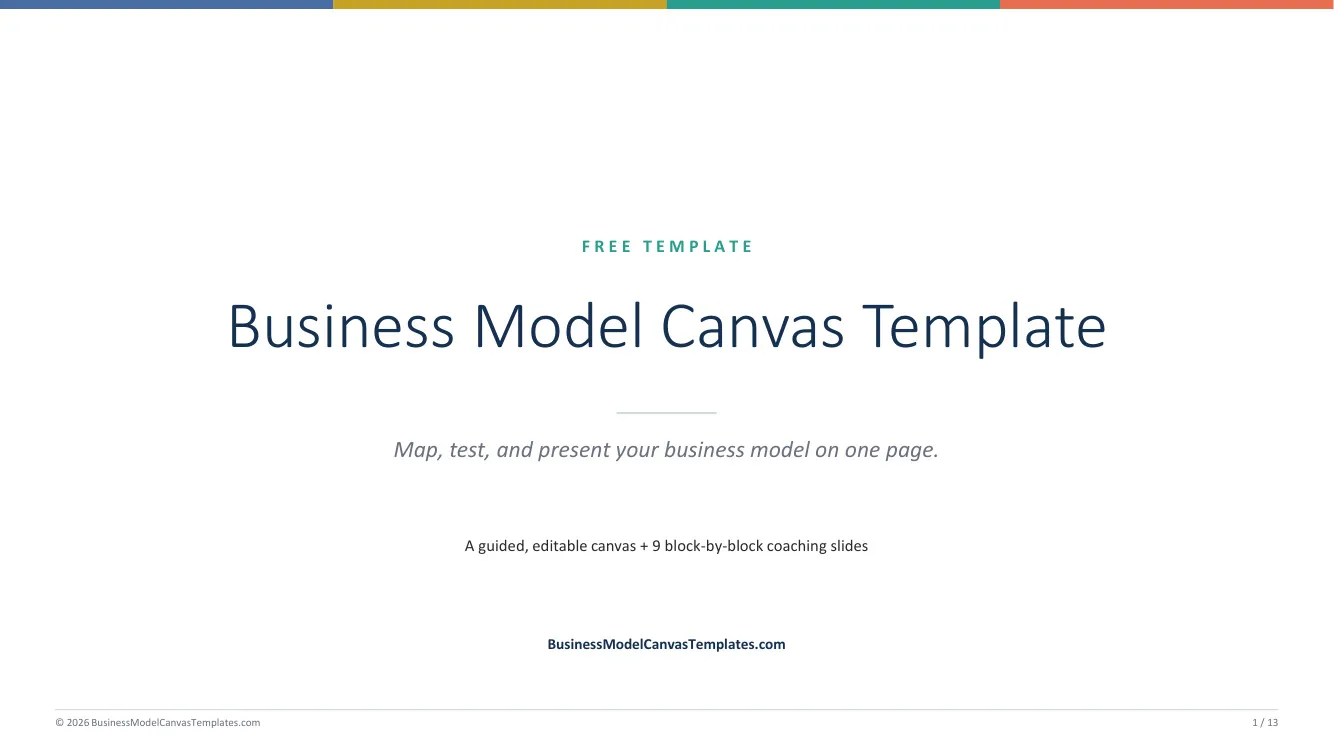
A 13-slide guided deck: the full canvas plus one working slide per block. Built for workshops and classes.
Free .pptx, instant download, no signup. Works in PowerPoint, Keynote, and Google Slides.
By The BMC Templates TeamLast updated
What's inside this file
- 13 slides: full canvas + one guided slide per block + consistency checklist
- Slides ordered in the recommended fill sequence, not left to right
- Each block slide carries the definition, guiding questions, and typing space
- 16:9 widescreen, native shapes, standard fonts, no macros
- Zone colors match the method: customer, offer, infrastructure, finance
- Imports cleanly to Google Slides and Keynote
Why PowerPoint is the workshop format
The canvas was designed as a group tool: sticky notes, a wall poster, and four to seven people arguing about what goes where. PowerPoint is the digital version of that session. Project slide 1, work block by block using the per-block slides, and leave the meeting with the canvas already typed instead of photographing a whiteboard.
That is also why this template is a 13-slide deck and not a single slide. A lone canvas slide forces nine discussions into one cramped screen. Giving each block its own slide keeps the room focused on one question at a time, in the right order, with the block's guiding questions visible while people talk.
How to run a canvas session with this deck
1. Timebox each block slide
Ten to fifteen minutes per block, timer visible. The deck's slide order enforces the professional fill sequence: Customer Segments and Value Propositions first as a pair, finances last. A first full pass should take 2 to 3 hours; under 90 minutes means you rushed, over 4 hours means you are overthinking a hypothesis board.
2. One idea per bullet, one owner per keyboard
Nominate one typist so the group debates content, not formatting. Keep each entry short enough to say out loud in one breath. If the room cannot agree whether an entry is true, it is an assumption: tag it with a question mark and move on rather than debating without evidence.
3. Collapse back to the canvas slide
After the block slides, return to slide 1 and transfer the strongest three to six entries per block. The per-block slides keep the full discussion; the canvas slide holds only what earns the space. That two-layer structure is what makes the deck useful again next quarter when you revisit the model.
4. End with risks, not applause
The strongest closing move: circle the three entries that would kill the model if wrong, and assign each one a cheap test. Our guide on filling in the canvas covers how professionals rank assumptions by importance and evidence.
For teachers and students
The deck doubles as assignment scaffolding: students submit the per-block slides as their working, and the canvas slide as their answer. Graders see the reasoning, not just the result. If a submission needs to read like a document instead, the Word version carries the same method in report form.
PowerPoint vs the other formats
Choose PowerPoint for anything with an audience or a group. Choose Excel when you want structure and a printable one-pager, Word for written submissions, or the fillable PDF for on-screen filling and print. Same canvas, same guidance, different room.
Quick reference: the 9 blocks and their fill order
Get all 5 formats in one download
Word, PowerPoint, Excel, and both PDF sizes in a single ZIP. Tell us where to send it.
Instant delivery. No spam, unsubscribe anytime.
Free template vs the Complete Toolkit
| What you get | Free templates | Complete Toolkit ($39) |
|---|---|---|
| The 9-block canvas, professionally designed | Yes, in 5 formats | Yes, plus a canvas that assembles itself in Excel |
| Guiding questions in every block | Yes | Yes, plus dropdowns and Fact / Assumption / Idea status |
| Real-company examples | No | 10 complete canvases: PDF + editable PowerPoint |
| Revenue, break-even, and unit-economics models | No | Yes, formulas built in (MRR, CAC, LTV, payback) |
| Guided workbook | 2 pages of instructions | 25-page consultant-style field manual |
| Pitch deck | No | Light + dark themes with a presenting guide |
| Lean Canvas, SWOT, Value Proposition Fit | No | All three, editable |
One-time purchase. Works in Microsoft Office and Google Workspace. Instant download through Lemon Squeezy.
Get the Complete Toolkit